Using PDN Analyzer for Power Integrity PCB Design in Altium Designer is essential for engineers building high-speed PCBs. This guide covers everything from DC IR drop analysis to AC impedance simulation, ensuring your power delivery network meets rigorous B2B standards.
Understanding Power Integrity and the PDN
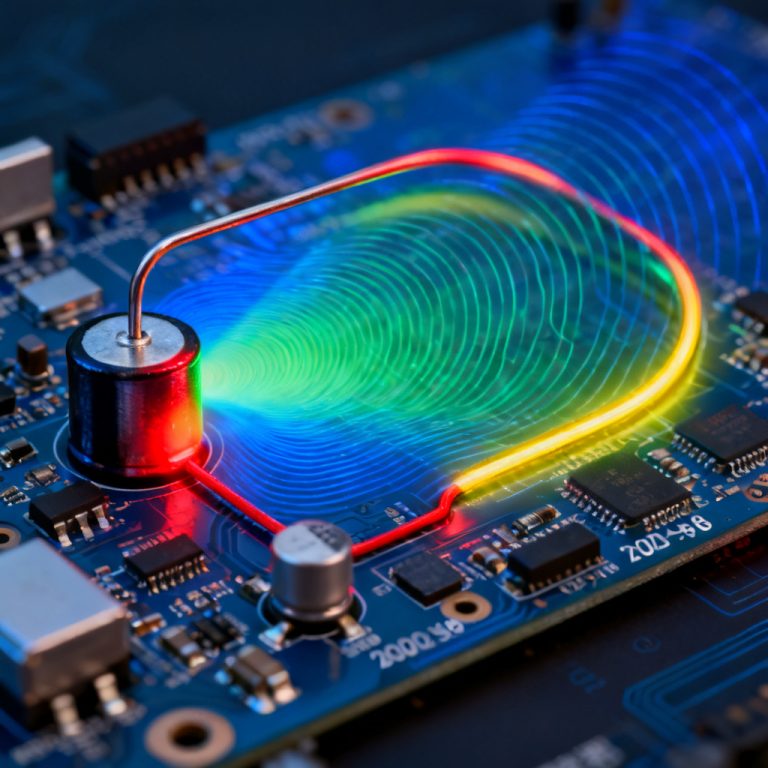
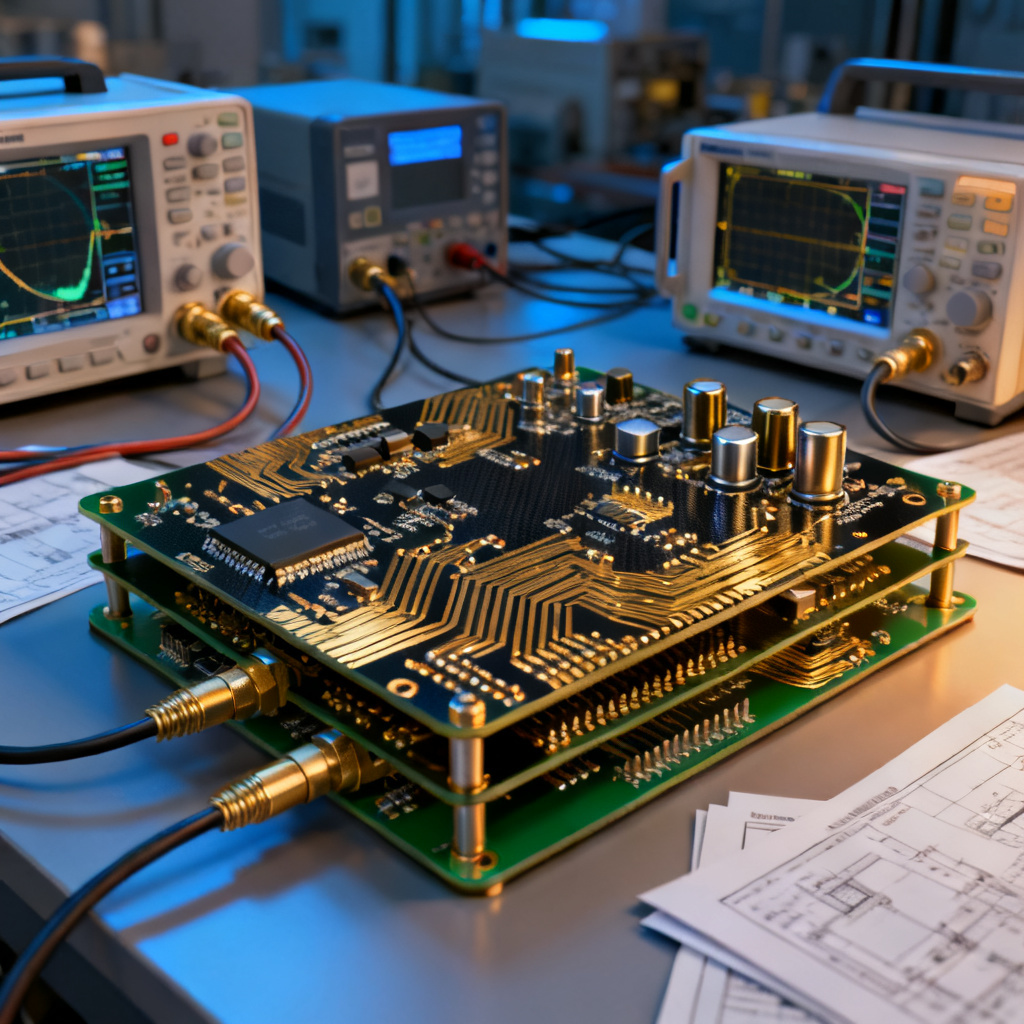
Power integrity (PI) refers to the ability of a PCB’s power distribution network (PDN) to deliver stable, clean voltage to all active components, such as ICs, FPGAs, and processors. The PDN includes the voltage regulator module (VRM), decoupling capacitors, power and ground planes, vias, and traces. Key challenges include:
- DC Voltage Drop (IR Drop): Resistance in copper traces and planes causes voltage loss, potentially starving ICs of required power.
- AC Noise and Impedance: High-frequency switching currents create voltage ripple and noise. The PDN must maintain low impedance across a wide frequency range to minimize this.
- Transient Response: Rapid current demands from ICs cause voltage droops; the PDN must respond quickly via decoupling capacitors.
The PDN Analyzer for Power Integrity PCB Design in Altium Designer addresses these issues by providing a unified simulation environment for DC and AC analysis, helping designers identify and fix problems before fabrication.
Setting Up the PDN Analyzer in Altium Designer
The PDN Analyzer for Power Integrity PCB Design in Altium Designer is available in the PCB Editor (from version 20.0 onward). To get started:
- Enable the PDN Analyzer: Go to the Tools menu > PDN Analyzer > Configure. Ensure the feature is enabled in your license.
- Define the Power Nets: In the PDN Analyzer panel, specify which nets are power-related (e.g., VCC, 3.3V, GND). You can assign voltage sources (VRMs) and current loads (ICs) using the Net Class or Component properties.
- Set Up VRMs: For each power net, define the VRM output voltage and series resistance (e.g., 0.01 ohms for a typical switching regulator). This models the source impedance.
- Assign Current Loads: For each IC, specify the dynamic current draw (e.g., 1A for an FPGA core) and its operating frequency. Use datasheet values for accuracy.
- Configure Simulation Parameters: Choose between DC Analysis (for IR drop and current density) and AC Analysis (for impedance vs. frequency). Set frequency range (e.g., 1 kHz to 100 MHz) and step size.
Running DC Analysis – IR Drop and Current Density
DC analysis evaluates steady-state voltage drop and current distribution across the PDN.
- Procedure: After setting up nets and loads, click Run DC Analysis in the PDN Analyzer panel. The tool generates a heat map showing voltage levels (e.g., red for low voltage, green for target voltage) and current density vectors.
- Interpreting Results:
- IR Drop: Look for voltage drops exceeding 3-5% of the nominal supply (e.g., >165 mV for 3.3V). High drops indicate insufficient copper width, narrow traces, or excessive via resistance.
- Current Density: Red zones indicate high current density (e.g., >20 A/mm² for 1 oz copper), risking thermal issues and electromigration. The tool displays maximum current density values.
- Optimization Tips:
- Widen power traces or use copper pours (polygons) for high-current paths.
- Add multiple vias in parallel to reduce via resistance.
- Move VRMs closer to high-current loads (e.g., near FPGAs).
- Example: A 1.8V net supplying a processor shows a 120 mV drop at the farthest IC. By adding a second power plane layer and thickening traces, the drop reduces to 40 mV.
DC Analysis Parameters Table
| PDN Analyzer Parameter | Description | Typical Target |
|---|---|---|
| IR Drop (Voltage Drop) | Voltage loss across PDN due to resistance | < 50 mV for 1.0V core |
| Current Density | Current per unit area in copper | < 20 A/mm² for 1 oz Cu |
| VRM Source Resistance | Output impedance of voltage regulator | 0.01 ohms typical |
Running AC Analysis – Impedance and Decoupling
AC analysis evaluates the PDN’s impedance profile, critical for high-speed design.
- Procedure: Click Run AC Analysis. The tool plots impedance (in ohms) vs. frequency (log scale). The target impedance is typically <0.1 ohms for high-speed digital ICs (e.g., DDR4 memory).
- Interpreting Results:
- Impedance Peaks: Look for spikes above the target impedance, especially at resonant frequencies (e.g., 10-100 MHz). These indicate poor decoupling.
- Capacitor Effects: The plot shows how bulk (e.g., 10 µF), ceramic (e.g., 0.1 µF), and high-frequency (e.g., 10 pF) capacitors contribute. The tool automatically models parasitic ESL and ESR from component libraries.
- Optimization Tips:
- Add decoupling capacitors near IC power pins (within 0.5 inches for high-speed signals).
- Use a mix of capacitor values to cover a wide frequency range (e.g., 10 µF, 0.1 µF, 0.01 µF).
- Reduce loop inductance by placing capacitors on the same layer as the IC and using short, wide traces to vias.
- Example: A PDN for a 1.2V core shows a 0.5-ohm impedance peak at 50 MHz. Adding three 0.1 µF capacitors near the BGA reduces the peak to 0.08 ohms.
AC Analysis Impedance Targets Table
| PDN Analyzer Parameter | Frequency Range | Target Impedance |
|---|---|---|
| Low Frequency (DC–1 MHz) | Bulk decoupling | < 0.1 ohms |
| Mid Frequency (1–100 MHz) | Ceramic decoupling | < 0.05 ohms |
| High Frequency (>100 MHz) | High-speed decoupling | < 0.02 ohms |
Advanced Features – 3D Modeling and Multi-Board Analysis
For complex high-speed PCBs, the PDN Analyzer for Power Integrity PCB Design in Altium Designer offers advanced capabilities:
- 3D Model Integration: The tool uses the PCB’s 3D layer stackup (including copper thickness, dielectric materials, and via structures) to model parasitic inductance and capacitance accurately. This is essential for simulating high-frequency effects (e.g., >1 GHz).
- Multi-Board PDN Analysis: In designs with multiple PCBs (e.g., a motherboard and daughter card), the PDN Analyzer can simulate the entire system by importing netlists from connected boards. This ensures power integrity across connectors and cables.
- Temperature Effects: The tool can incorporate temperature-dependent copper resistivity (e.g., copper’s resistivity increases by 0.39% per °C). This is vital for high-power B2B applications where ambient temperatures may range from -40°C to 125°C.
- Scripting and Automation: Use Altium’s scripting interface (e.g., Python) to automate PDN analysis for design variants, such as different capacitor placements or layer stackups.
Integrating PDN Analysis into the Design Workflow
To maximize efficiency, integrate the PDN Analyzer for Power Integrity PCB Design in Altium Designer with your existing design process:
- Pre-Layout Simulation: Run PDN analysis early on a preliminary layer stackup and component placement. This identifies major issues (e.g., insufficient plane layers) before routing.
- Post-Layout Validation: After routing, re-run DC and AC analysis to verify that traces, vias, and capacitors meet targets. The tool updates results in real-time as you modify the layout.
- Design Rule Checking (DRC): Set custom DRC rules in Altium (e.g., maximum IR drop of 50 mV, maximum impedance of 0.1 ohms). The PDN Analyzer can flag violations automatically.
- Export Reports: Generate PDF or CSV reports showing voltage maps, impedance plots, and capacitor contributions. These are useful for design reviews and customer documentation.
Common Pitfalls and Best Practices
From industry experience and top-ranked sources:
- Pitfall: Ignoring Via Inductance: Vias add significant inductance (e.g., 0.5-1 nH per via), which degrades high-frequency performance. Best Practice: Use multiple vias in parallel for power nets (e.g., 4 vias per IC) and place them close to component pads.
- Pitfall: Overlooking Plane Splits: Splits in power planes (e.g., for mixed-signal designs) create high-impedance paths. Best Practice: Use continuous planes for high-speed digital power (e.g., 1.2V core) and separate analog planes with low-inductance bridges.
- Pitfall: Insufficient Decoupling at High Frequencies: Ceramic capacitors lose effectiveness above their self-resonant frequency (SRF). Best Practice: Use small-value capacitors (e.g., 10 pF) with low ESL for frequencies >100 MHz, placed within 100 mils of IC pins.
- Pitfall: Not Modeling Package Parasitics: IC packages (e.g., BGA) add inductance (e.g., 1-2 nH per ball). Best Practice: Use manufacturer-supplied models or estimate package inductance from datasheets; the PDN Analyzer can import IBIS or SPICE models.
- Pitfall: Ignoring Thermal Effects: High current density causes localized heating, increasing resistance. Best Practice: Run thermal simulations (e.g., via Altium’s thermal analysis or third-party tools) in conjunction with PDN analysis.
Common Pitfalls vs. Best Practices Table
| Pitfall | Best Practice |
|---|---|
| Ignoring Via Inductance | Use multiple vias in parallel |
| Overlooking Plane Splits | Use continuous planes for digital power |
| Insufficient Decoupling at High Frequencies | Use small-value capacitors near IC pins |
| Not Modeling Package Parasitics | Import IBIS/SPICE models |
| Ignoring Thermal Effects | Run thermal simulations alongside PDN analysis |
Real-World Application Example: High-Speed FPGA Board
Consider a B2B application: a 10-layer PCB with an FPGA requiring 1.0V core (10A), 1.8V I/O (2A), and 3.3V auxiliary (1A). Using the PDN Analyzer for Power Integrity PCB Design in Altium Designer:
- DC Analysis: The 1.0V net shows a 180 mV IR drop at the FPGA center due to narrow power traces. Solution: Convert traces to a solid plane on layer 4, reducing drop to 25 mV.
- AC Analysis: Impedance peaks at 80 MHz (0.3 ohms) and 200 MHz (0.6 ohms). Solution: Add 10x 0.1 µF capacitors near the FPGA pins (within 200 mils) and 2x 10 µF bulk capacitors. The impedance drops below 0.05 ohms across 1 kHz to 500 MHz.
- Validation: After routing, the PDN Analyzer confirms all targets are met. The design passes pre-production testing with no power-related issues.
FAQ
What is the PDN Analyzer for Power Integrity PCB Design in Altium Designer?
The PDN Analyzer for Power Integrity PCB Design in Altium Designer is an integrated simulation tool that analyzes DC IR drop, current density, and AC impedance of the power delivery network (PDN) to ensure stable voltage delivery in high-speed PCBs.
How does PDN Analyzer improve power integrity in high-speed PCB design?
By using the PDN Analyzer for Power Integrity PCB Design in Altium Designer, engineers can identify and fix IR drop issues, optimize decoupling capacitor placement, and maintain low PDN impedance across frequency ranges, directly improving power integrity in high-speed PCBs.
What are the key features of PDN Analyzer for power integrity?
Key features of the PDN Analyzer for Power Integrity PCB Design in Altium Designer include DC analysis for IR drop and current density, AC analysis for impedance vs. frequency, 3D model integration, multi-board support, and temperature effect modeling.
How do I set up decoupling capacitors using PDN Analyzer?
In the PDN Analyzer for Power Integrity PCB Design in Altium Designer, assign capacitor models (with ESL and ESR) to power nets, then run AC analysis to view impedance peaks. Place capacitors near IC pins and use mixed values (e.g., 10 µF, 0.1 µF, 10 pF) to flatten the impedance profile.
Can PDN Analyzer simulate multi-board systems?
Yes, the PDN Analyzer for Power Integrity PCB Design in Altium Designer supports multi-board PDN analysis by importing netlists from connected boards, enabling simulation of power integrity across connectors and cables in complex B2B systems.
Conclusion
The PDN Analyzer for Power Integrity PCB Design in Altium Designer is an indispensable tool for achieving power integrity in high-speed PCB designs. By simulating IR drop, current density, and impedance profiles, engineers can optimize the PDN early in the design cycle, reducing costly re-spins and ensuring reliable operation in demanding B2B applications. Mastery of this tool—combined with best practices in decoupling, plane design, and via management—enables your PCB designs to meet the rigorous standards of modern high-speed electronics.
Call to Action: Ready to optimize your high-speed PCB power integrity? Contact our team today for expert PDN analysis services or custom PCB fabrication with guaranteed power integrity compliance.