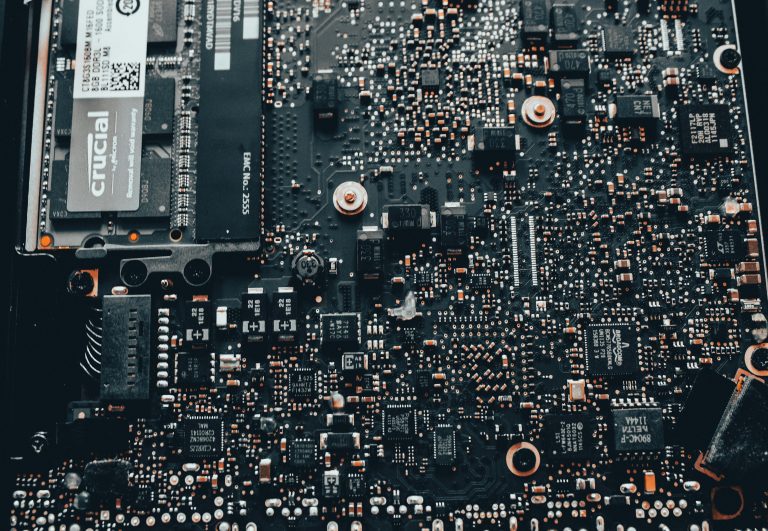
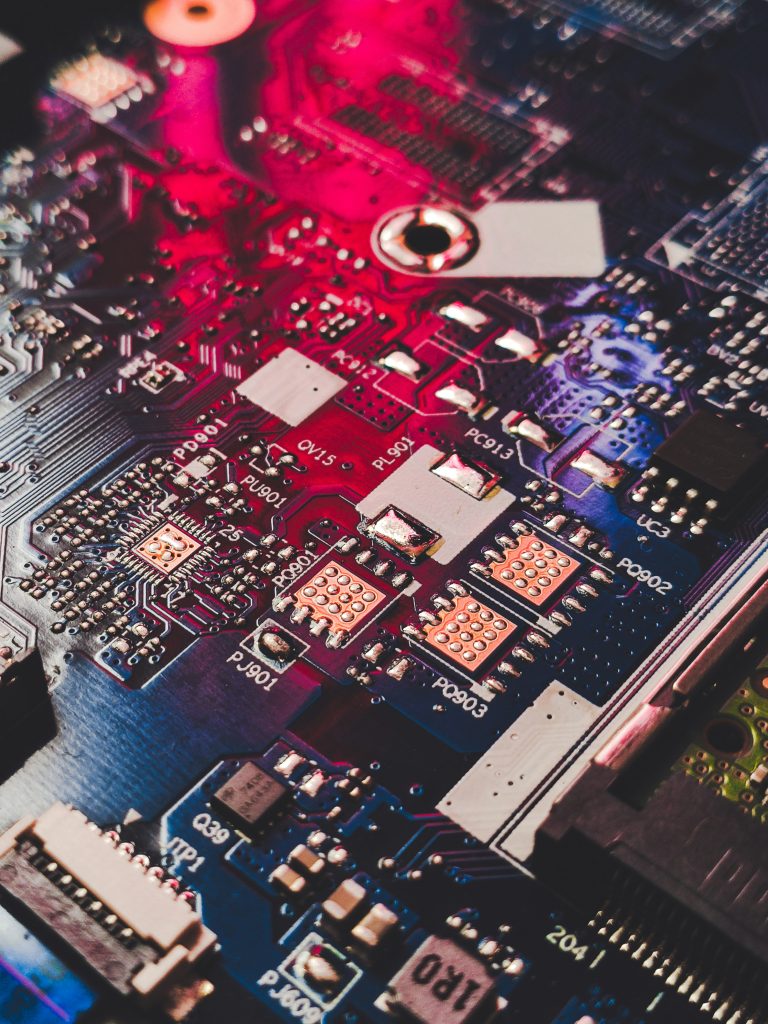
USB PCB design remains the most widely adopted wired high-speed interface across consumer electronics, industrial embedded systems, medical devices, and high-performance computing. From legacy USB 2.0 at 480 Mbps to USB 3.x up to 10 Gbps and modern USB4 reaching 40 Gbps with PAM3 modulation, each generation imposes stricter PCB routing and layout constraints. Poor USB PCB design commonly causes unstable device recognition, data packet loss, EMI interference, ESD damage, and low mass production yield.
This all-in-one pillar guide consolidates industry-standard rules from Cadence, Texas Instruments, and professional high-speed PCB design best practices. It unifies 90Ω differential impedance requirements, intra-pair and inter-lane length matching limits, ESD protection placement, connector fanout rules, via restrictions, stackup recommendations, and a ready-to-use layout checklist. Written for both professional hardware engineers and technical buyers, it balances deep technical accuracy with easy-to-follow practical rules you can apply directly to your next USB PCB design.
Overview of USB PCB Design
Universal Serial Bus (USB) has become the de facto standard for data communication, device charging, and peripheral connection in modern electronics. As detailed in the High-Speed Interfaces master page, USB is one of several critical protocols that demand specific layout rules alongside PCIe, DDR, and Ethernet. Its evolution spans low-speed legacy interfaces all the way to ultra-high-speed USB4 lanes capable of 40 Gbps throughput. As data rates rise, simple point-to-point routing is no longer sufficient to maintain signal integrity, low jitter, and error-free transmission.
All modern USB variants rely on differential pair signaling, which delivers strong immunity to electromagnetic interference (EMI) and improves noise rejection. The single most unified rule across every generation is 90Ω controlled differential impedance. The main differences lie in impedance tolerance, length matching accuracy, maximum trace length, via usage limits, and AC capacitor placement.
For hardware engineers and procurement specialists, mastering USB PCB design is critical to avoiding prototype re-spins, unstable communication, ESD chip burnout, and EMC certification failures. This guide standardizes all critical design rules into one actionable reference suitable for 2-layer, 4-layer, and multi-layer industrial PCB designs.
USB Generations & Standard Specifications Comparison
Every USB generation shares the same 90Ω differential impedance but differs significantly in bandwidth, signal naming, and layout strictness. Below is the consolidated industry standard comparison table:
| USB Version | Max Data Rate | Differential Signal Pairs | Differential Impedance |
|---|---|---|---|
| USB 2.0 | 480 Mbps | D+ / D- | 90Ω |
| USB 3.2 Gen1 | 5 Gbps | SSTX / SSRX | 90Ω |
| USB 3.2 Gen2 | 10 Gbps | SSTX / SSRX | 90Ω |
| USB4 Gen2 | 10 Gbps | TX / RX | 90Ω |
| USB4 Gen3 | 20 Gbps | TX / RX | 90Ω |
| USB4 Gen4 | 40 Gbps (PAM3) | TX / RX | 90Ω |
USB 2.0 uses basic differential signaling with relaxed layout tolerance. USB 3.x introduces SuperSpeed full-differential lanes, while USB4 adopts advanced PAM3 modulation to achieve higher bandwidth. Higher-speed versions require tighter length matching, fewer vias, cleaner reference planes, and stricter impedance control. Understanding Insertion Loss becomes critical for USB4 designs, as PAM3 modulation has smaller eye openings and is more sensitive to channel attenuation.
Core Principles of USB Differential Signaling & 90Ω Impedance
Differential pairs work by transmitting equal and opposite signals on two tightly coupled traces. The main advantages include reduced EMI emission, improved noise immunity, and stable characteristic impedance. The foundational rules for Differential Pair Routing apply directly to USB PCB design.
A fixed 90Ω differential impedance is mandated by the USB-IF standard for all generations. Impedance deviation causes signal reflection, waveform distortion, eye diagram closure, and increased bit error rate. For complete impedance formulas and tolerance guidelines, refer to Impedance Matching.
Key factors affecting 90Ω impedance: PCB dielectric constant (Dk), dielectric thickness between trace and ground plane, trace width and gap between differential lines, and consistent stackup structure across the entire route. USB 2.0 allows wider impedance tolerance, while USB 3.x and USB4 require precise stackup simulation and tighter manufacturing control to stay within specification.
USB 2.0 PCB Layout & Routing Rules
USB 2.0 is still widely used for low-speed peripherals, system debugging ports, and power-only USB connectors. Although its speed is moderate, following standard routing rules ensures stable recognition and reliable communication.
Core USB 2.0 design rules: Differential impedance: 90Ω ±15%; intra-pair length mismatch: ≤20 mils; maximum routing length: under 18 inches; ESD protection components placed as close to the connector as possible.
Practical layout tips: Keep D+ and D- traces with constant coupling spacing; avoid splitting ground planes underneath USB traces; do not parallel route with clock or high-power traces for long distances; maintain continuous reference ground to prevent impedance discontinuity. Even for low-speed USB 2.0 interfaces, ignoring these rules often results in intermittent connection failures and poor EMC performance.
USB 3.x / USB4 High-Speed Routing Design Rules
USB 3.x and USB4 are high-speed critical interfaces with strict SI requirements. The following consolidated rules combine Cadence and TI industry standards:
| Design Parameter | USB 3.x | USB4 |
|---|---|---|
| Differential Impedance | 90Ω ±10% | 90Ω ±10% |
| Intra-Pair Length Mismatch | ≤5 mils | ≤1–2 mils |
| Inter-Lane Length Mismatch | ≤10 mils | ≤5 mils |
| Maximum Trace Length | 10–12 inches | 8–10 inches |
| Maximum Vias per Lane | ≤2 | ≤2 |
Critical high-speed routing best practices: Keep differential pairs tightly coupled; minimize bending; limit vias to maximum two per lane; place AC coupling capacitors at the transmitter side; maintain complete, unbroken ground reference planes. USB4 especially demands precise length tuning because ultra-high data rates are extremely sensitive to timing skew and jitter accumulation. Proper Return Path design is essential for USB4, as incomplete reference planes cause signal reflection and EMI.
ESD Protection Layout & Industrial Surge Protection Guidelines
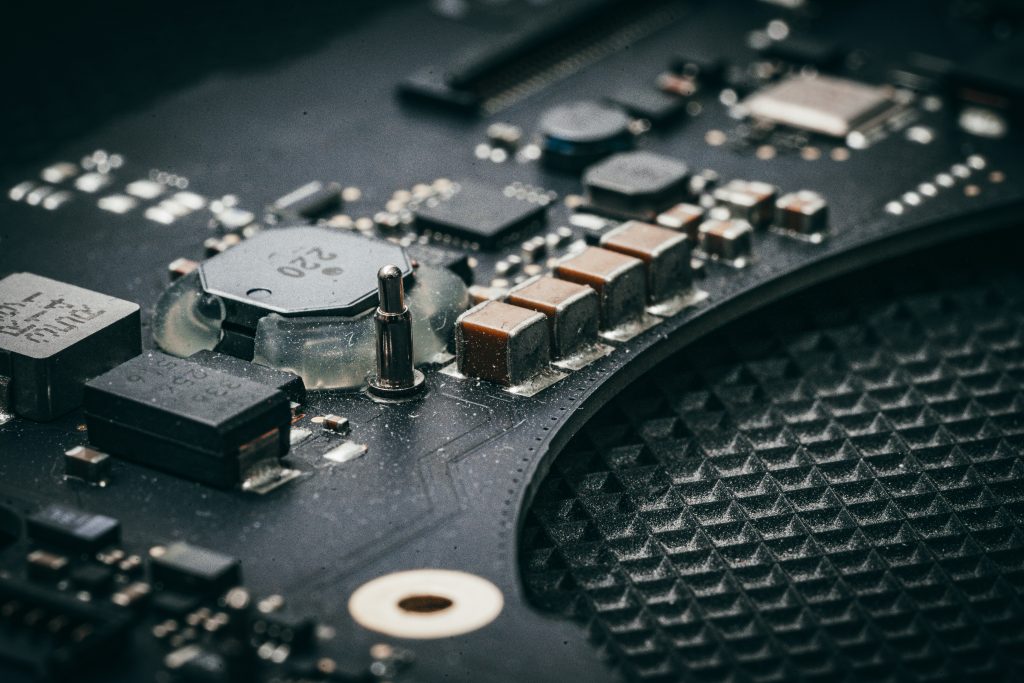
USB ports are exposed external interfaces, highly vulnerable to ESD contact discharge, hot-plug surge, and transient voltage spikes. Poor ESD layout is one of the top causes of controller chip damage in mass production.
Standard ESD layout rules: Place TVS/ESD devices directly next to the USB connector pins; trace length from connector to ESD component keep under 5mm; route ESD grounding paths with short, wide traces and multiple ground vias; isolate ESD ground path from high-speed signal reference ground; do not run USB signal traces underneath ESD components. Following this layout ensures electrostatic energy is shunted to ground before entering sensitive high-speed circuits, complying with industrial IEC 61000-4-2 ESD standards.
USB Connector Layout, Fanout & Grounding Best Practices
Connector layout is the starting point of signal routing and determines overall layout quality. This applies to USB Type-A, Micro USB, and USB Type-C connectors.
Key connector rules: Fan out differential pairs symmetrically; never route traces under the USB connector body; connect metal shell to main ground with multiple vias; place VBUS filtering capacitors close to the power pin. Symmetric fanout and solid shell grounding greatly improve EMC performance. For detailed manufacturing guidelines on via placement and stackup, refer to PCB Manufacturing.
PCB Stackup, Reference Plane & Crosstalk Avoidance
Controlled impedance relies entirely on proper PCB stackup. For USB PCB design: use 4-layer or 6-layer stackup for USB 3.x and USB4; keep differential traces on inner layers for better shielding; apply 3W spacing rule to reduce crosstalk; avoid plane slots under any differential pair route. Complete reference planes ensure stable impedance and minimal return path disruption.
Complete USB PCB Design Layout Checklist
| ✅ | Item |
|---|---|
| ✅ | All USB differential pairs at 90Ω impedance with correct tolerance |
| ✅ | Intra-pair and inter-lane length matching meet USB 2.0 / 3.x / USB4 limits |
| ✅ | ESD devices adjacent to connector with trace length under 5mm |
| ✅ | Each high-speed lane uses no more than 2 vias |
| ✅ | Reference ground planes under USB routes fully intact and un-split |
| ✅ | USB connector shell multi-point grounded; no traces under connector |
| ✅ | High-speed USB lanes isolated from clock and high-noise circuits |
Key Takeaways for USB PCB design
- All mainstream USB generations follow a unified 90Ω differential impedance standard
- Newer USB4 requires far stricter length matching (≤1-2 mils) than USB 2.0
- ESD protection effectiveness depends on proximity to the USB connector
- Limited vias (≤2), complete reference planes, and symmetric fanout are universal rules
- Following standardized USB PCB design rules ensures EMC compliance and mass production stability
Frequently Asked Questions About USB PCB Design
Q1: What is the standard differential impedance for all USB versions?
USB 2.0, USB 3.x, and USB4 all require 90Ω differential impedance. Only tolerance and length matching rules differ.
Q2: How much length mismatch is allowed for USB4?
USB4 intra-pair length mismatch should be controlled within 1–2 mils, with inter-lane mismatch under 5 mils.
Q3: Why must ESD components be placed close to the USB connector?
Short traces minimize parasitic inductance, ensuring ESD surge energy is diverted to ground without affecting main signal circuits.
Q4: How many vias are allowed per USB high-speed lane?
Keep no more than 2 vias per differential lane to avoid severe impedance discontinuity and stub loss.
Q5: Can I route USB traces under the connector?
Not recommended. Traces under the connector cause serious crosstalk, parasitic capacitance, and EMI issues.
Professional USB PCB Design Support & Custom Layout Service
If you need reliable industrial-grade USB PCB design for USB 2.0, USB 3.2, or USB4 projects, our engineering team provides constraint rule setup, SI pre-simulation, EMC optimization, ESD layout design, and production-ready PCB files.
Get in touch today for a free project evaluation and custom quotation for your USB PCB design requirement.
© 2026 HighSpeedPCBs